Abstract blue shapes background

What's New in Chrome

Chrome logo
QR code to get Chrome on your phone

Get Chrome on your phone

MOBILE

Share passwords on your phone

Easily and securely share a copy of a password with your family group in Google Password Manager on your phone.

iOS

  1. Tap the Chrome menu ⋮ > Password Manager 🔗.
  2. Select the password you want to share, then tap Share 📤.
  3. Select family members to share your passwords with.

Android

  1. Tap Chrome menu ⋮ > Settings ⚙ > Password Manager 🔗.
  2. Under Search passwords, select the password you want to share, then tap Share 📤.
  3. Select family members to share your passwords with.

Scan the QR Code to get Chrome on your phone.

Phone screen showing password sharing feature and QR code
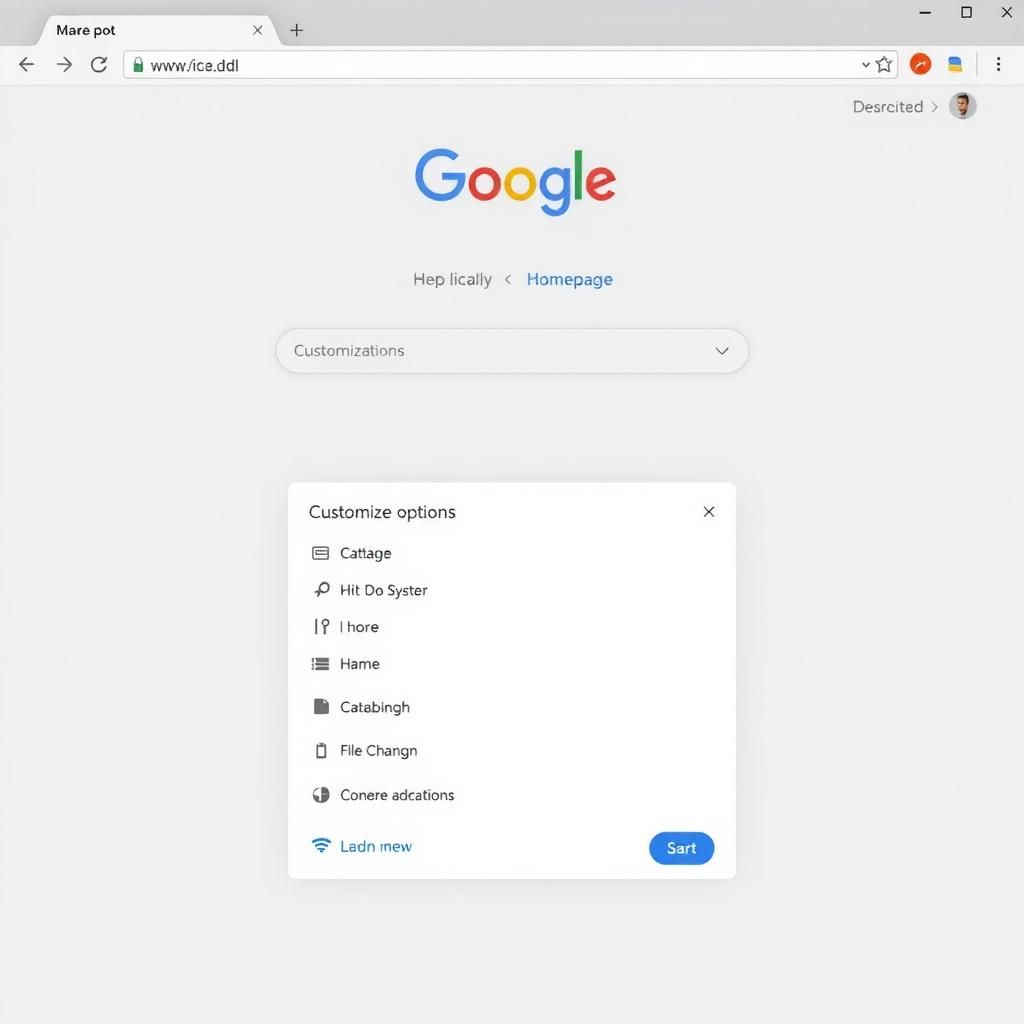
Browser window showing Google homepage and customization options
CUSTOMIZE

A new way to customize your toolbar

Pin your favorite features and shortcuts as toolbar buttons.

  1. At the top of your browser, select Chrome menu > More Tools > Customize Chrome .
  2. From the side panel, review the list of toolbar buttons that make it easy to quickly access things like bookmarks, print, Search with Google Lens, and more.
  3. Choose the toolbar buttons you want to pin and they will appear in your toolbar.
Browser window showing manual verification prompt
SECURITY

Check out more quickly and securely with autofill

Fill in your full payment card details the same way you unlock your device - with a fingerprint, face scan, or screen lock PIN - instead of entering your card security code.

  1. Go to Settings > Autofill and passwords > Payment methods .
  2. Select Manually verify every time you pay using autofill to use your biometrics the next time you checkout.